Match review
A CS2 Demo Review Checklist for Your Next Match
Review three rounds, separate decisions from outcomes, and turn one recurring CS2 mistake into a specific practice task.
Sources checked .
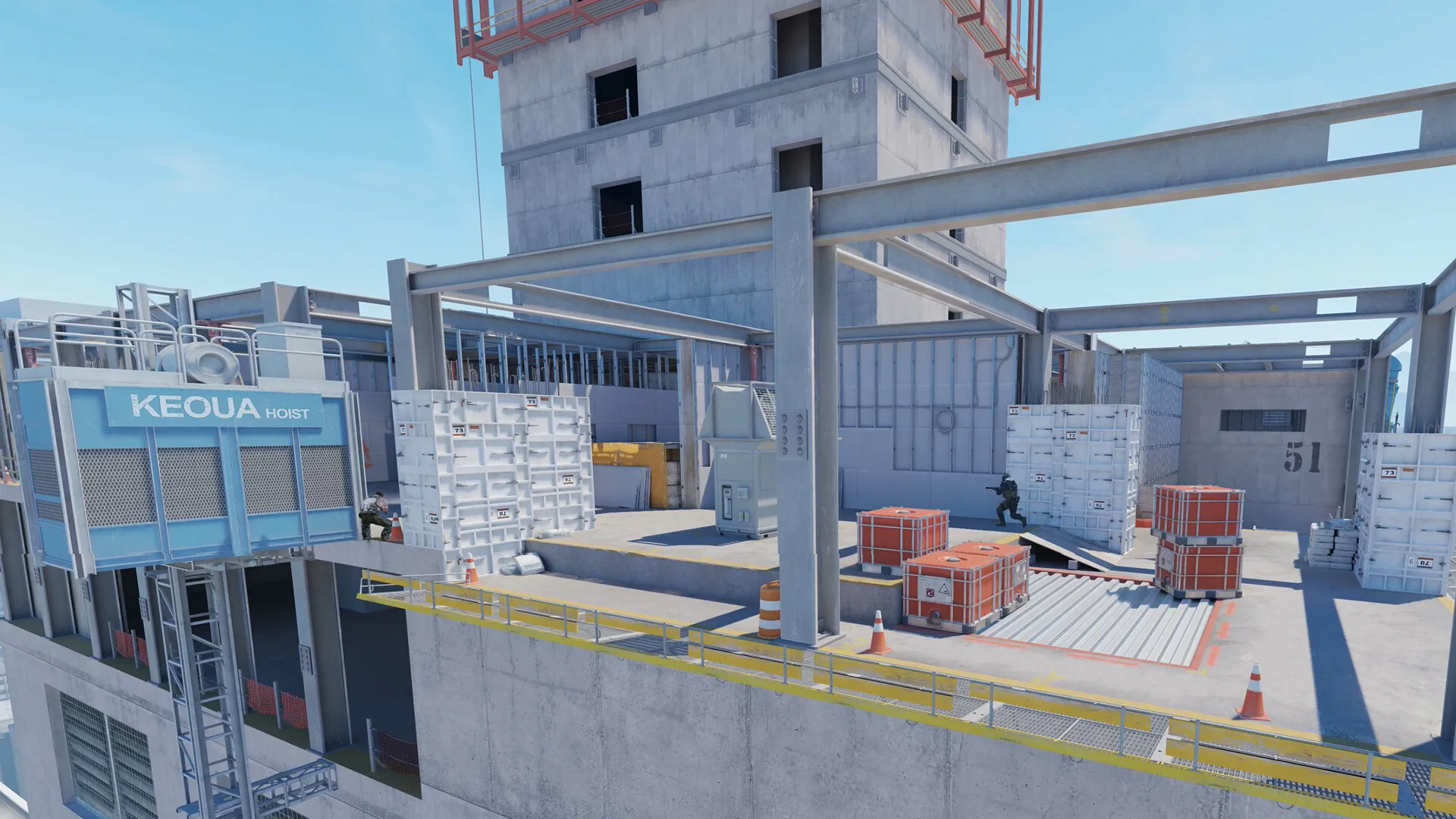
Start a demo review with one question you can act on. “Why am I bad?” is too broad. “What happened before I took my first fight?” gives you a moment to inspect and a decision to change. You do not need to review an entire match to leave with a useful note.
This checklist is an editorial review method. Use an available match demo that plays correctly in your current CS2 installation, then choose three rounds: one uncomfortable loss, one ordinary round, and one win. Including a win helps you examine decisions without automatically blaming every death or rewarding every kill.
Know the playback limit
Valve says TrueView reconstructs the observed player's client-side prediction. It is disabled by default when the recording and playback game versions differ, and differences can remain even when it is active, especially in slow motion. Treat playback as evidence with limits; a single frame is not a perfect recording of the original experience. Valve: Introducing TrueView, November 4, 2025
1. Watch once at normal speed
Follow your own perspective through the round without stopping at every shot. Write down the first moment you felt unsure: an early rotation, an exposed reload, or entering a fight without a clear plan.
Mark that moment and move on to the next selected round. A short list of concrete situations is easier to work with than a page of general criticism.
2. Pause before the decision
Return to just before the marked moment. List only the information you reasonably had then: what you saw, audible cues you can identify, visible teammate positions, the objective, and the remaining time.
Do not invent a teammate's voice call if it is unavailable in the recording. Keep information learned later in a separate note. This prevents hindsight from turning an uncertain situation into an apparently obvious answer.
3. Check the position and purpose
Ask what the move was supposed to achieve. Were you gathering information, joining a teammate, defending space, or committing to the objective? Then inspect what you exposed while doing it.
Could another angle see you? Was cover available? Where was the nearest teammate, and could you realistically support each other? These are prompts for comparison, not universal rules that every round must satisfy.
4. Separate execution from the choice
Write two sentences: “The decision was…” and “The execution was…” You might have chosen a reasonable fight but placed your aim poorly. You might also have won a fight after taking an avoidable risk.
Suggest one alternative available at that moment. Explain its trade-off: waiting might preserve safety but lose time; moving might help a teammate while exposing an extra angle. Avoid rewriting the round with knowledge you did not have.
5. Leave with one cue
Choose a repeated issue from the three rounds and make the next action observable. Replace “have better awareness” with “before moving out, check the nearest teammate's position.” Save the round and moment beside the cue so you can revisit the evidence.
The common mistake is collecting ten corrections and practising none. Carry one cue into your next session, then review whether you remembered it. A small review is useful when it changes a specific decision you can recognise again.
A filled-in review note
This invented example shows the level of detail to aim for. It is not taken from a real match, and it is not a verdict on how every similar round should be played.
Example: leaving cover before a first fight
- Find it again
- Round 4, 0:48 remaining. Pause just before leaving the corner.
- What I knew then
- The route ahead was visible, the nearest teammate appeared behind me on the radar, and I had not seen an opponent. The recording does not establish whether there was a voice call.
- What I learned later
- The replay later shows an opponent watching the route. That location cannot be treated as information I had at 0:48.
- The decision
- I left cover to move forward without first checking whether the teammate could move with me.
- The execution
- My aim was travelling across the open area when the opponent appeared. Record this separately from whether moving forward was sensible.
- One alternative and its cost
- Pause behind cover, check the teammate’s position and choose the angle to watch before moving. This could make the next action more deliberate, but it also uses some of the remaining time.
- One cue for the next session
- Before leaving cover, check the nearest teammate’s position and choose the next angle to watch.
Use the same fields for your other two selected rounds. If the issue appears only once, keep it as a question. If it appears again, carry that one cue into practice. The aim is a repeatable observation, not a confident explanation for every lost fight.
Download the three-round review sheet (.txt)For an execution-focused follow-up, use the 12-minute CS2 practice routine and select a task from your review.
Before drawing a conclusion from a single replay frame, read what TrueView can and cannot show. Keep the playback conditions beside your review note.